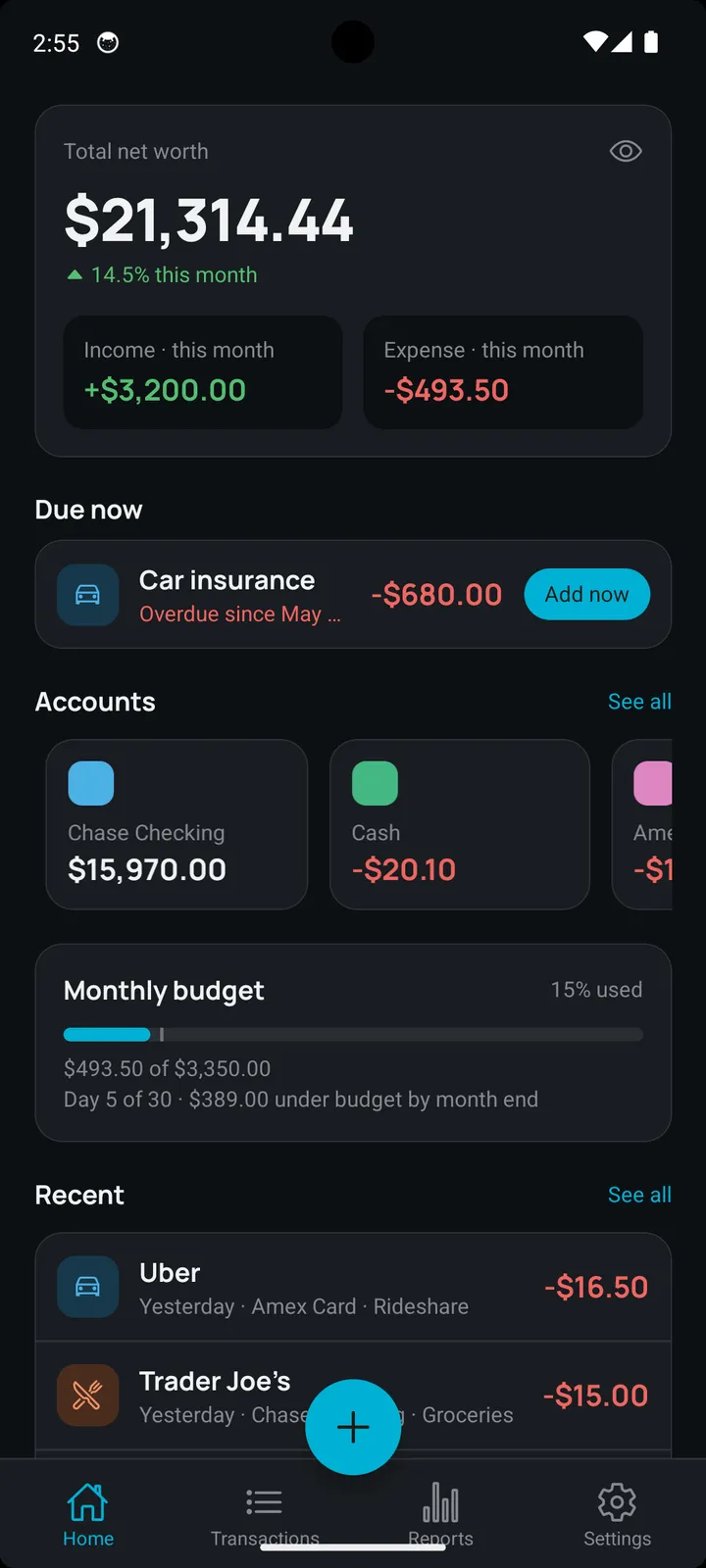
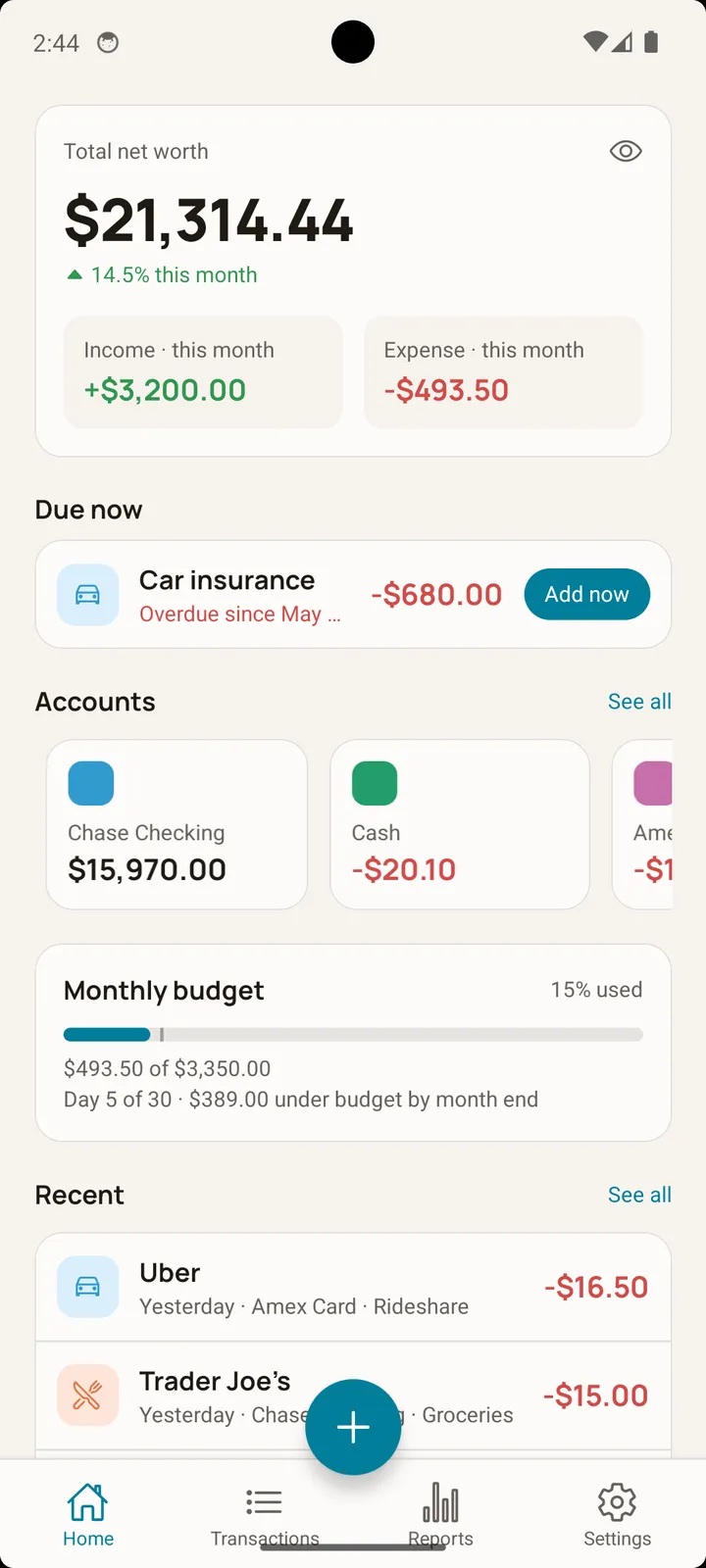
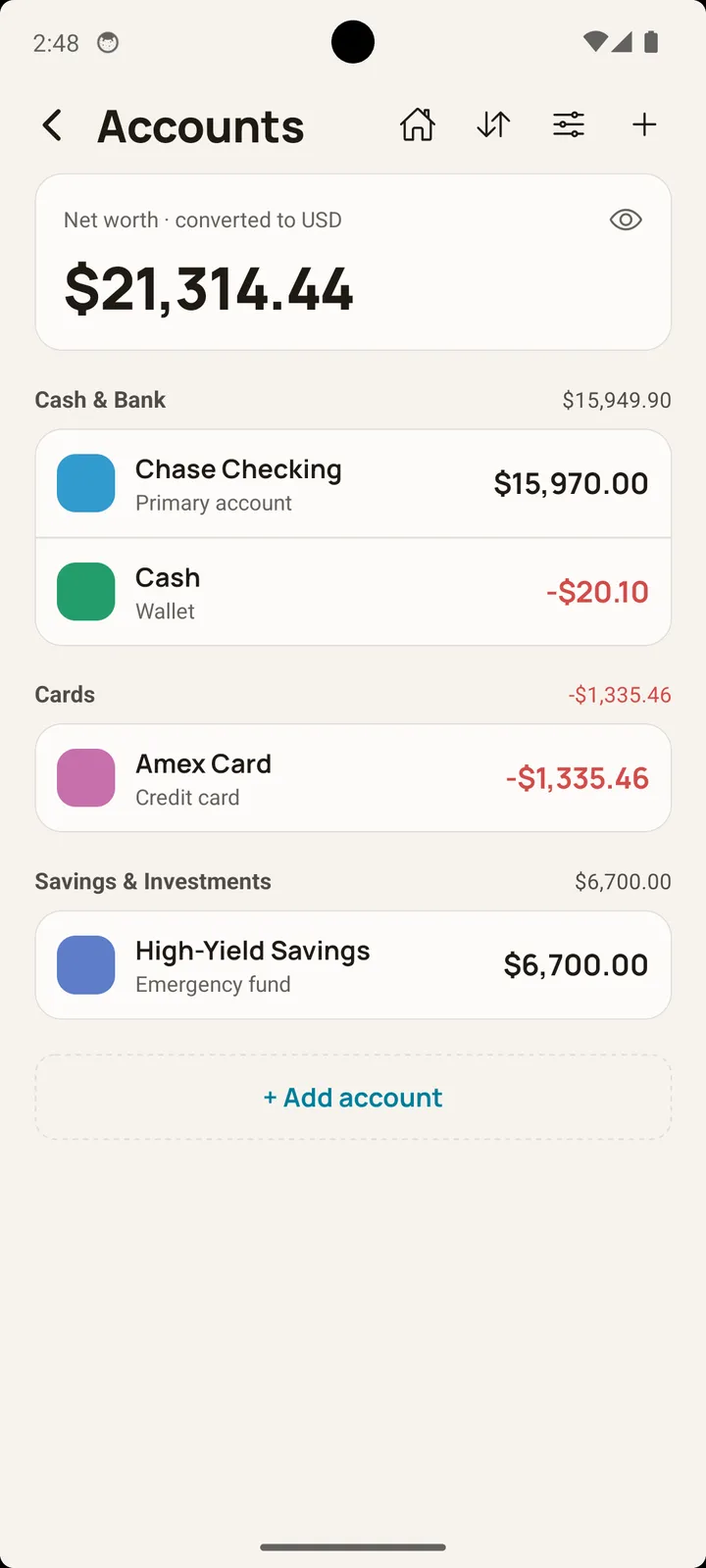
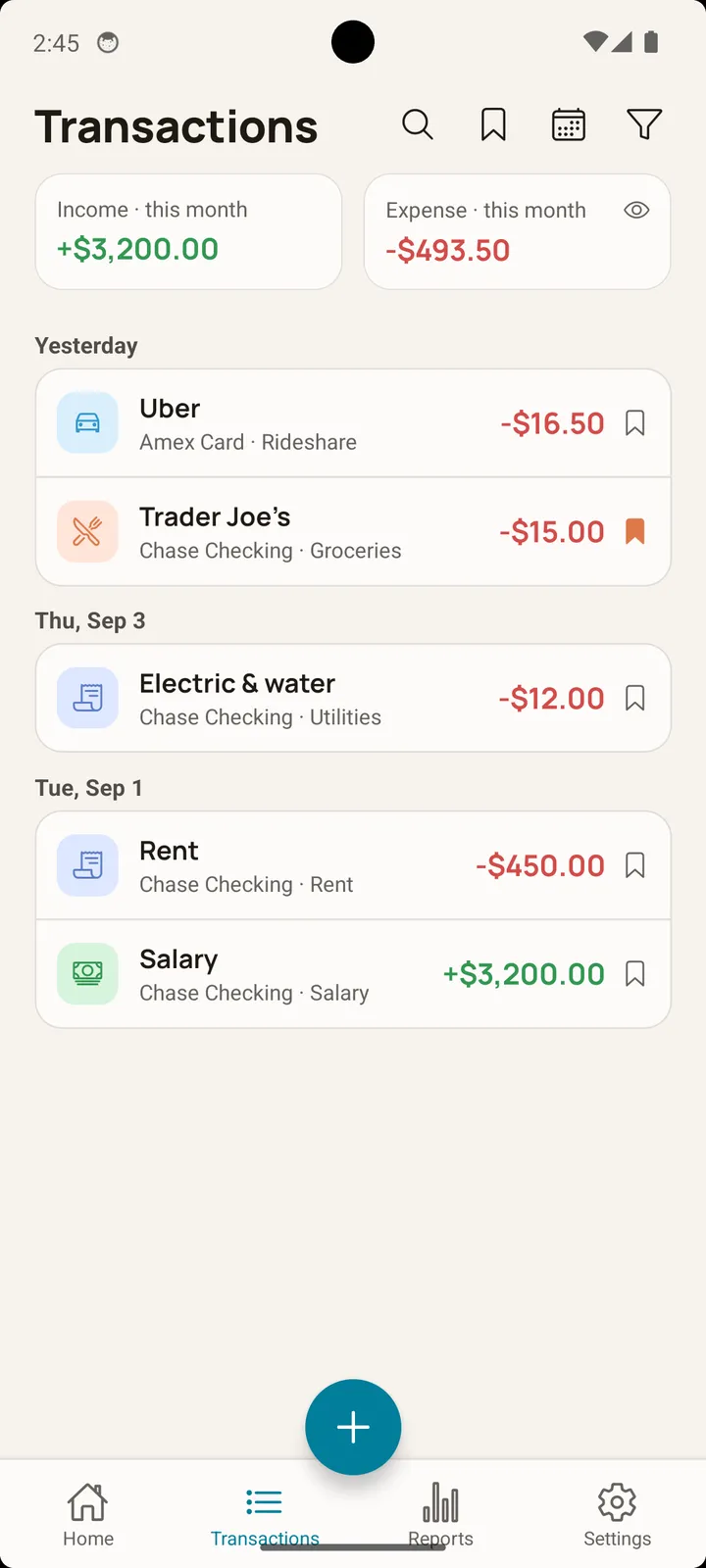
Does Balance connect to my bank accounts?
No. Balance is a 100% offline expense tracker. It does not connect to bank accounts, requires no login or user account, and your financial data stays entirely on your device.
Is Balance free, or does it have a subscription?
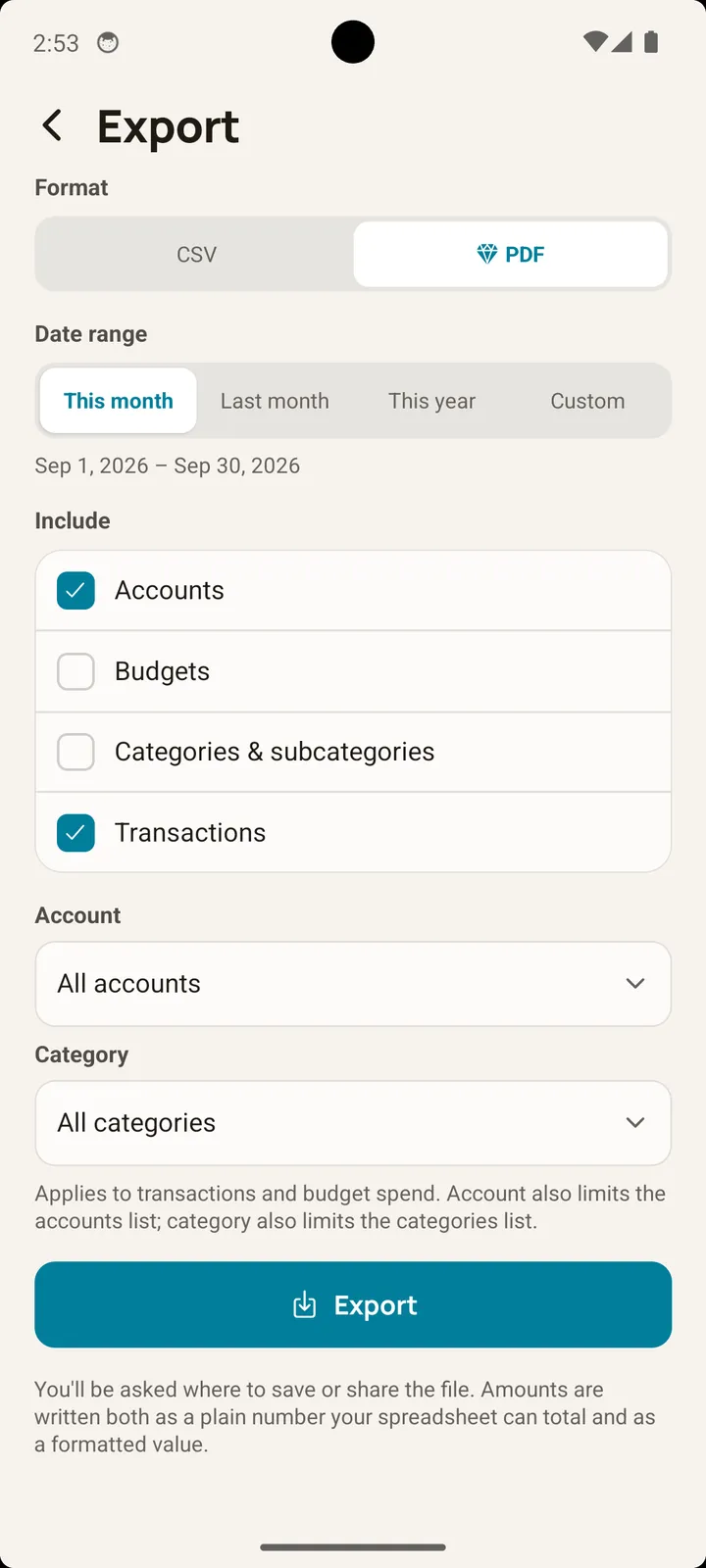
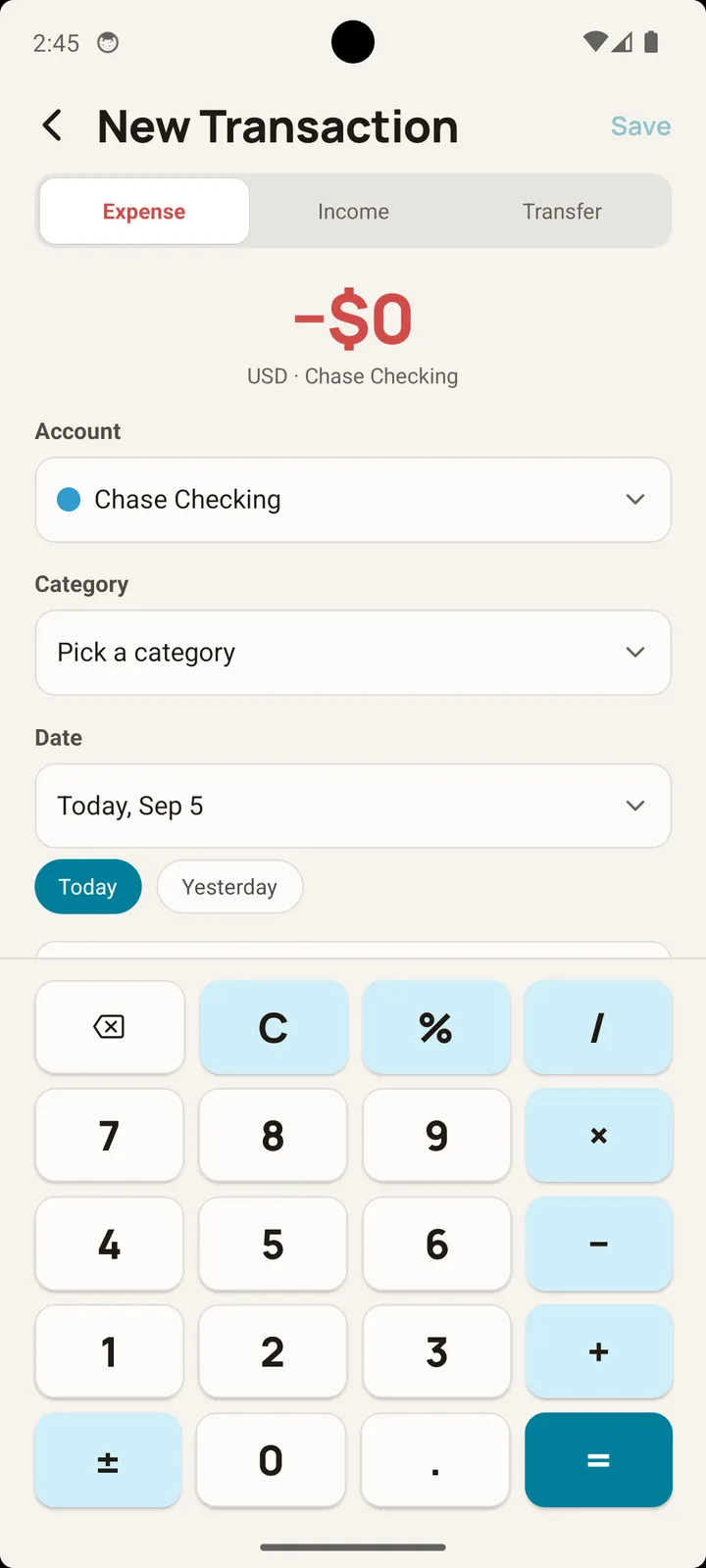
Balance is free to download, and the free version needs no subscription: transactions, accounts, and categories are unlimited, and it shows ads. An optional Premium plan — monthly, yearly, or a one-time lifetime purchase, with a 7-day free trial — removes ads and adds PDF report export.
How does Balance handle foreign currencies?
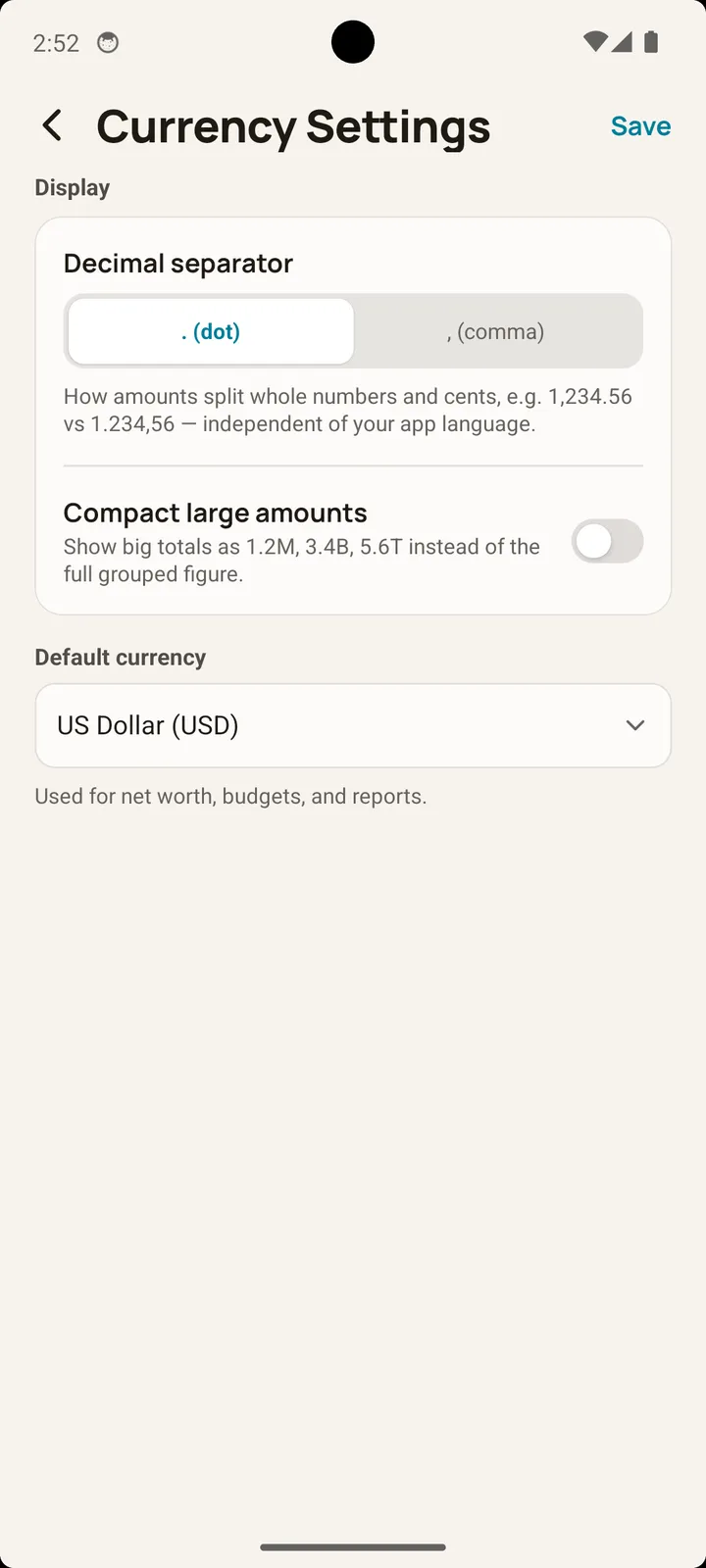
Balance supports multi-currency tracking across 150+ currencies, with a currency set per account. When you log a transaction in a foreign currency, it saves the exchange rate in force at that exact time, so your long-term reports stay accurate as live rates move.
Does Balance support Arabic and right-to-left (RTL) layouts?
Yes. Balance is fully localized in Arabic and Urdu with native right-to-left (RTL) layout on Android — the whole interface is mirrored, not just the text. It also supports English, Spanish, Hindi, Portuguese, French, German, Indonesian, and Japanese.
Does Balance work without internet?
Yes, always. Every account, transaction, and budget is stored only on your device. There is no server behind Balance and no connection required to use it.
How does backup work?
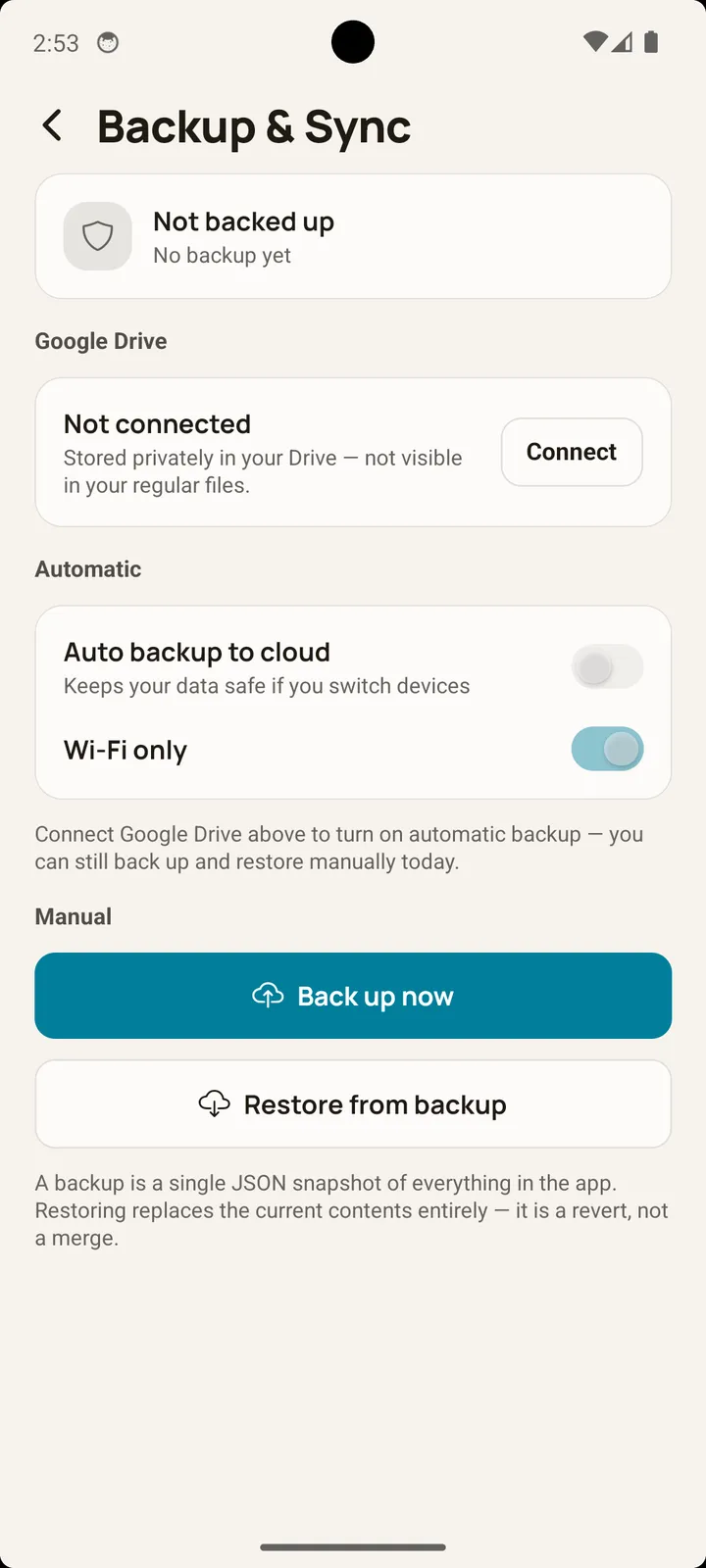
Backup is optional and off by default. When enabled, Balance writes a private JSON snapshot to your own Google Drive’s hidden app-data folder — manually or automatically — invisible in your normal Drive files and inaccessible to other apps. It never goes to a Muffinly Labs server.
Is there a transaction limit?
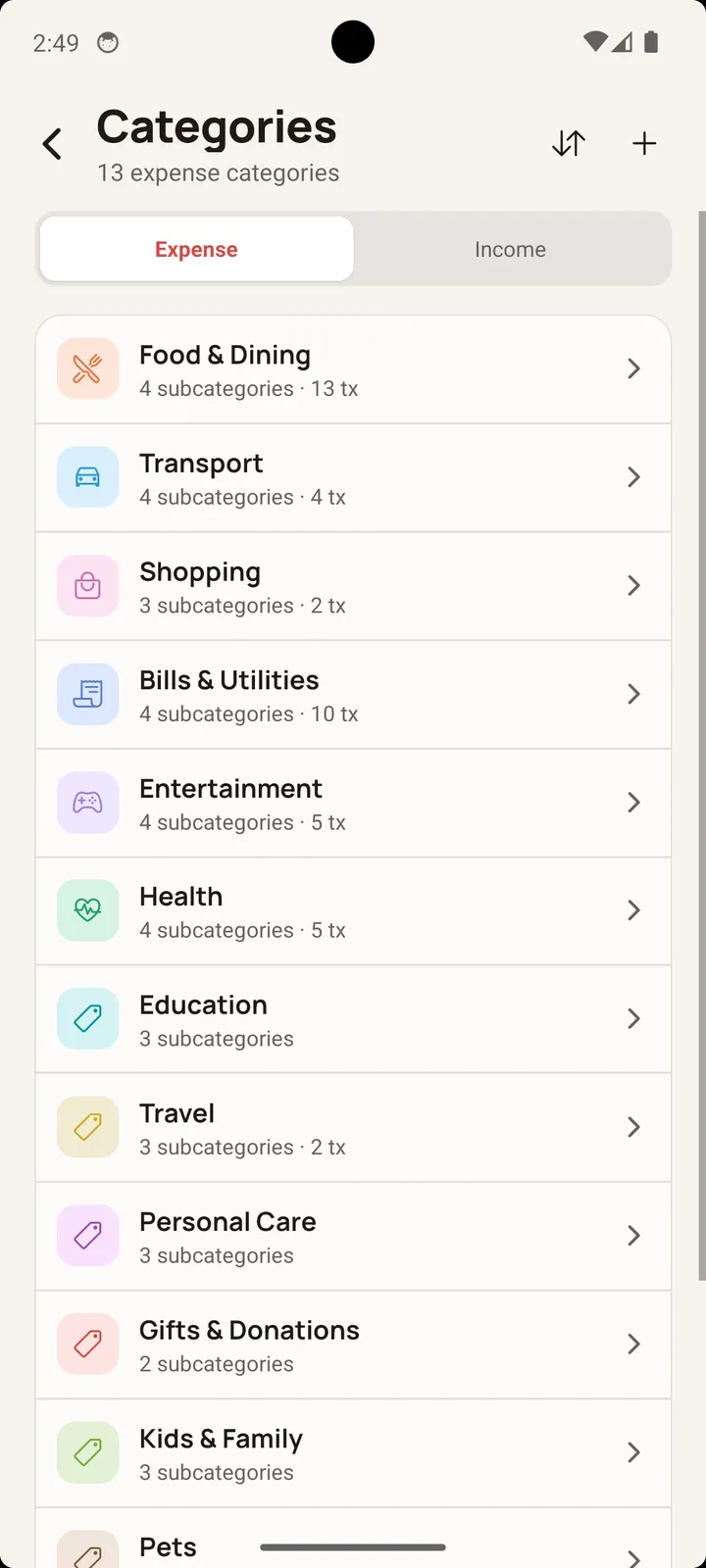
No. Transactions, accounts, and categories are unlimited on every tier, including the free one.